We've moved! PDICStoreEssentials.com is now PDIEssentials.com.

Back Office & Operations

Back Office & Operations with CStore Essentials

As the core component of CStore Essentials, you're able to gain better control of your daily operations by knowing what is occurring in your store in real-time. Reduce errors and minimize risk with accurate reporting and automated processes.

Why Back Office & Operations Matter

Whether you manage one store or multiple, CStore Essentials gives you the tools you need to easily manage and operate your store.

Eliminate manual processes, reduce errors, and see everything going on in your store from anywhere.

Easy to Use

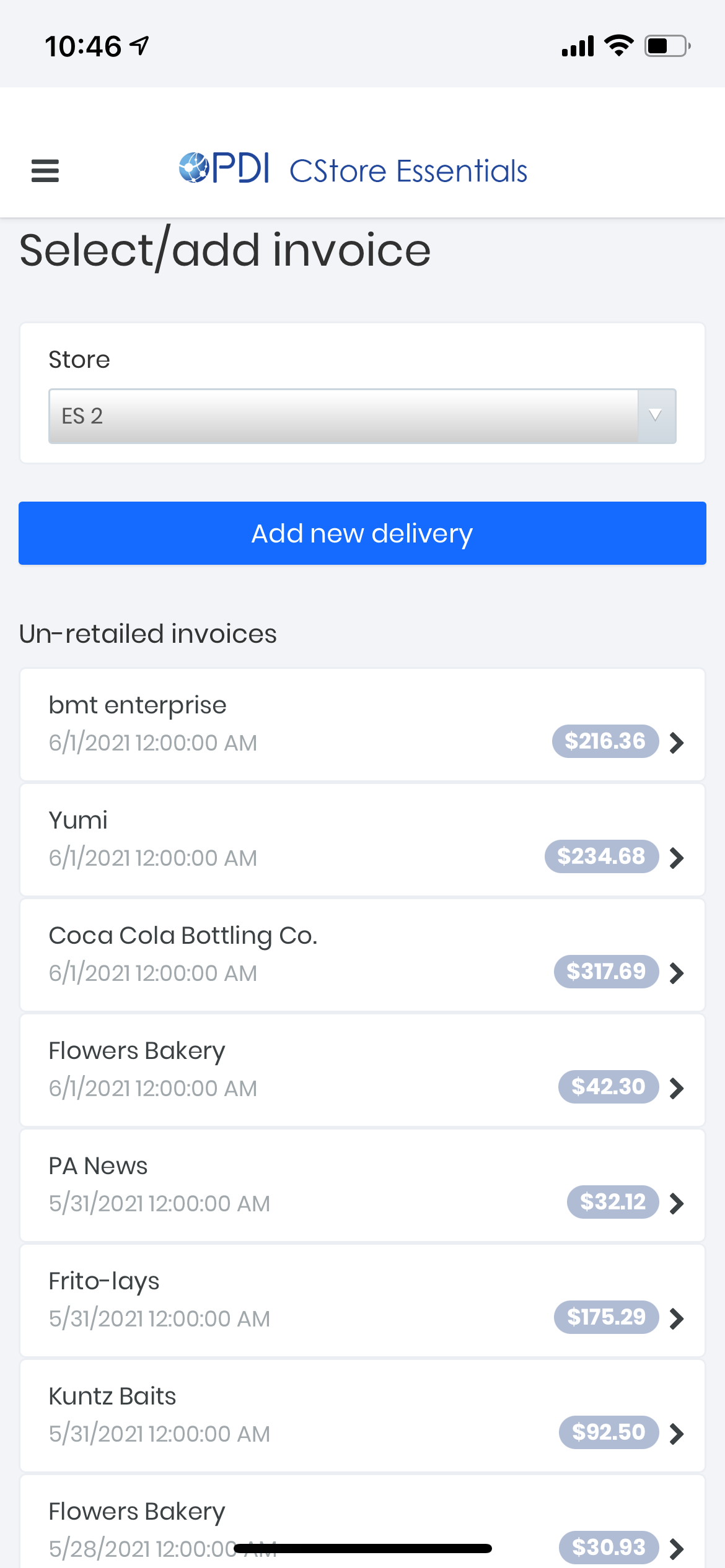
From one login, you can access your pricebook, inventory, daily reporting, and services. Even when you're on the go, you can view live sales, manage your pricebook, receive purchases, and more, all from the CStore Essentials Mobile App.

Save Time

We are constantly working to improve user experience to save you time on important tasks in your store. CStore Essentials automates processes that you're currently doing manually - minimizing the risk for error and letting you spend more time on the things that matter most.

What Do You Get?

Pricebook

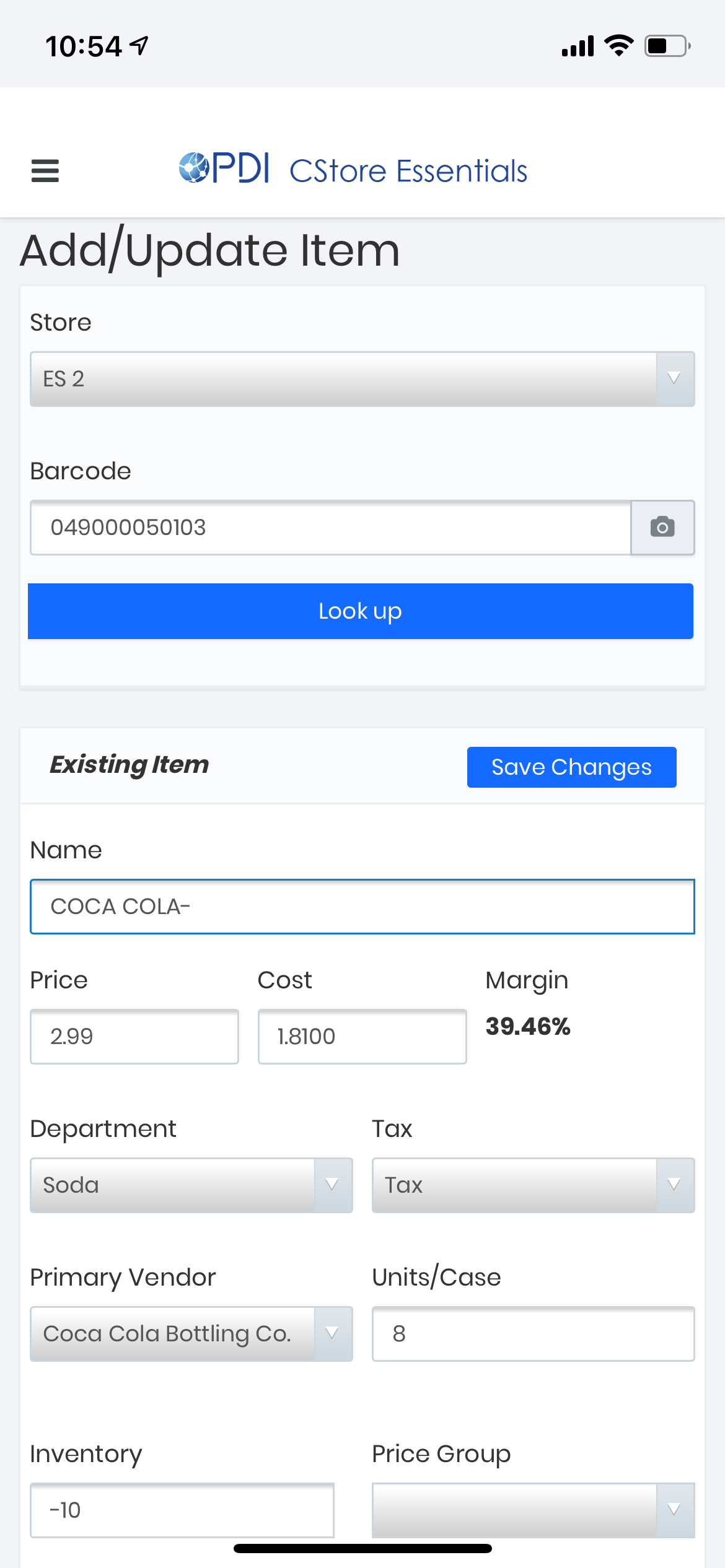
Pricebook utilizes what is currently in your system, copying into your account. You can add item costs at an individual level, show margins, and do item-level inventory from anywhere. Our mobile app allows you to scan items, adding to your pricebook - reducing manual errors.
Inventory Management

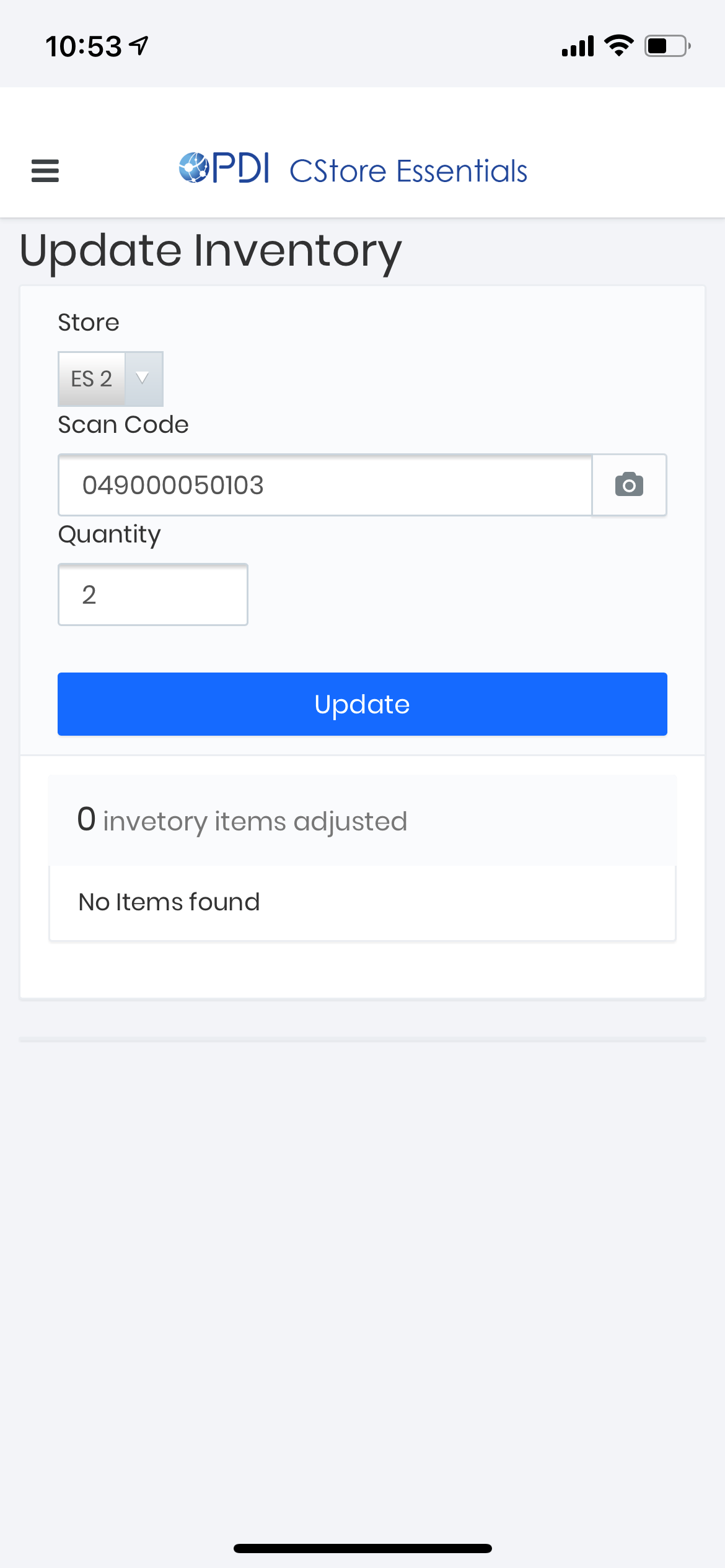
Manage real-time item and category levels by employees scanning inventory, receiving inventory at item-level, doing audits on what’s on the shelves versus what’s in your system, all from the CStore Essentials mobile app.

Daily Reporting

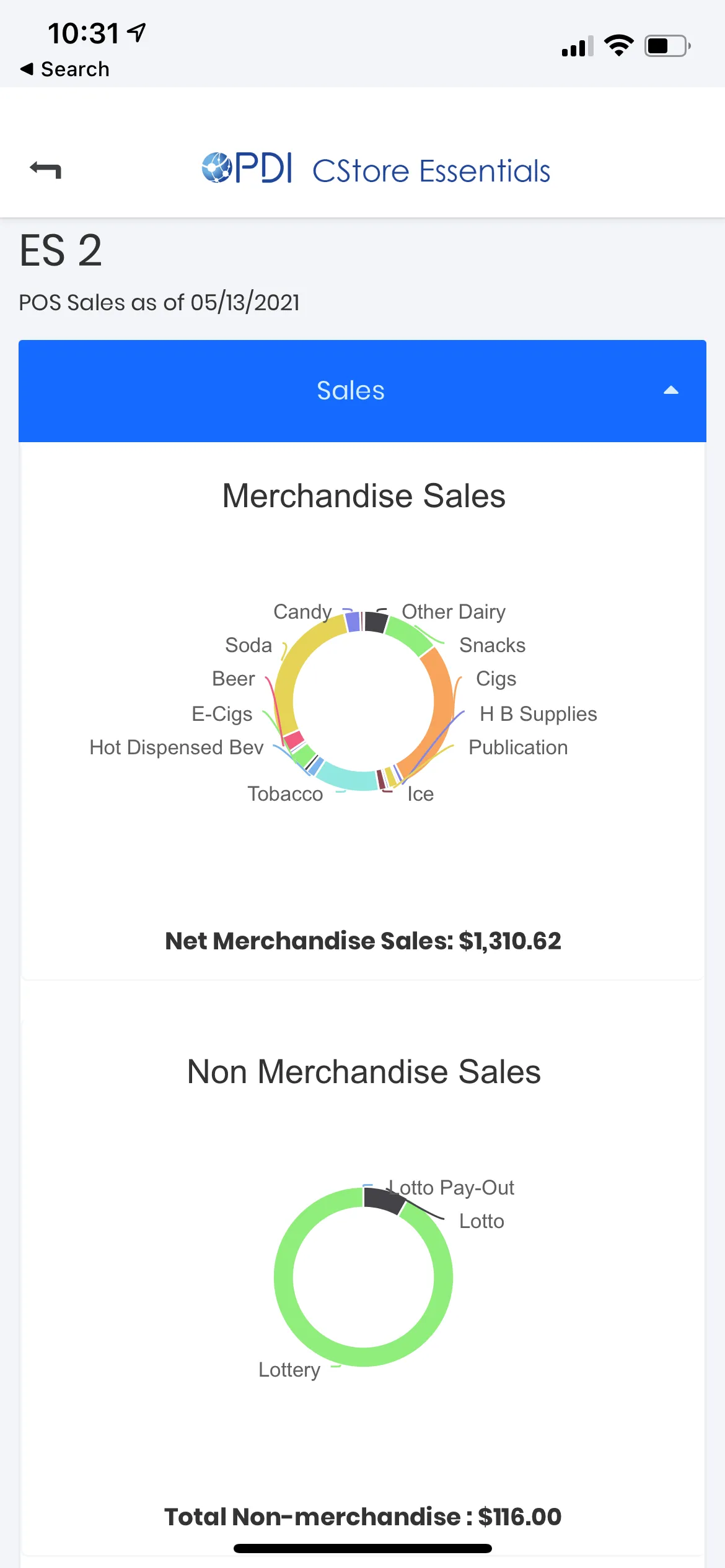
Easily create customizable daily reports to show all sales going on in your store and eliminate manual entry. Run automated reports for your product sales, fuel sales, and payments to achieve financial reconciliation.

Live Sales

See every transaction going on in your store in real-time and in detail. Understand each line void, transaction void, and no-sale ring up from anywhere. Access the complete Z report from your register with in-store sales, fuel sales, credit card batches and pay-ins, and pay-outs.

Lottery Management

Save time on lottery services by using your phone to scan lottery deliveries, games, and packs that automatically update in CStore Essentials. With our back office, you can access lottery reports like scratch-off reports, inventory, lottery and lotto, and balance reports.

Fuel Management

Manage all your fuel tasks from one place with the ability to receive fuel deliveries and enter the cost, settle balances from the jobber, and change prices from your back office. Our platform also allows you to track inventory and tank reports for the EPA and your state’s regulations.

Promotions

Easily create promotions for your customers directly from your back office. Create auto-expiring promotions that not only increase consumer loyalty but increase basket size and sell more items off your shelves!

Services

Keep track of the services you provide your customers. Ring in money orders to show how many have been completed. Provide services like check cashing and bill pay right at your POS system. If you’re running your own check cashing, it registers into CStore Essentials. See all these transactions on your daily reports at the end of each day.

Fuel User Access Level

C-store owners can easily customize access for all employees based on what their role is in the store. Give your operators the ability to manage daily tasks when you’re away to stay on top of operations.

Mobile App

PDI CStore Essentials Mobile App

Access your store from anywhere.
Download today in the App Store or Google Play.

Operate from Anywhere

Change prices, update inventory, view live sales and transactions going on in your store from anywhere.

Change Prices

Easily change prices in your store by scanning items with your phone and automatically sending the updates to your POS system.

Easy-to-Use

Monitor everything going on in your store with ease. View live reports, change prices, and stay on top of inventory in one place.

Access Real-Time Data

Look at live POS sales in real-time, monitor all transactions going on in your store, and receive notifications to help with loss prevention.

Frequently Asked Questions

At the very least, you will need a computer. If you want the pricebook feature, you will need specific cables to connect your back office computer to your POS register.

We support several scanners and configurations, from camera-based to Bluetooth and laser scanning. Here are some recommendations to help you choose the right device for you:

  1. Mobile phone camera (Good) — You can use our free app with the camera on your iOS or Android phone to do all the functions you can from most handheld scanners.
  2. Socket Bluetooth Scanner (Better) — Attach the Socket Scanner to the back of your mobile device for faster, more ergonomic scanning. Approximate price: $275
  3. CipherLab RS30 Laser Scanner (Best) — Use a dedicated mobile handheld scanner for super-fast results. Approximate price: $850
Yes. PDI CStore Essentials uses the same technology that online banks and brokerages use to transmit your data over the Internet. Your data is stored safely on servers in industry-leading professionally managed data centers.
Yes. We automatically back up your updated data every day and maintain two copies of your data at any time. Your data is stored on firewall-protected, redundant servers, protecting it from viruses, hackers, and hardware and software failures.
If the Internet connection at your location is down, you won't be able to access your PDI CStore Essentials account. However, your POS register will still be available, and you will be able to use it as usual.

Ready to take control of your daily operations?